How a Flow Runs
Understanding what happens when a flow executes helps you build flows that behave the way you expect. This page walks through a single run — start to finish — and how information travels along the way.
A "turn"
A turn is one run of your flow, triggered by one thing happening: a customer sends a message, a form is submitted, a webhook fires, or a schedule ticks. Each turn:
- Starts at the Start node.
- Follows the connections from node to node.
- Ends when it reaches a node with nothing connected after it (often a Direct Reply or an Agent).
The next message the customer sends kicks off a new turn — a fresh run of the same flow.
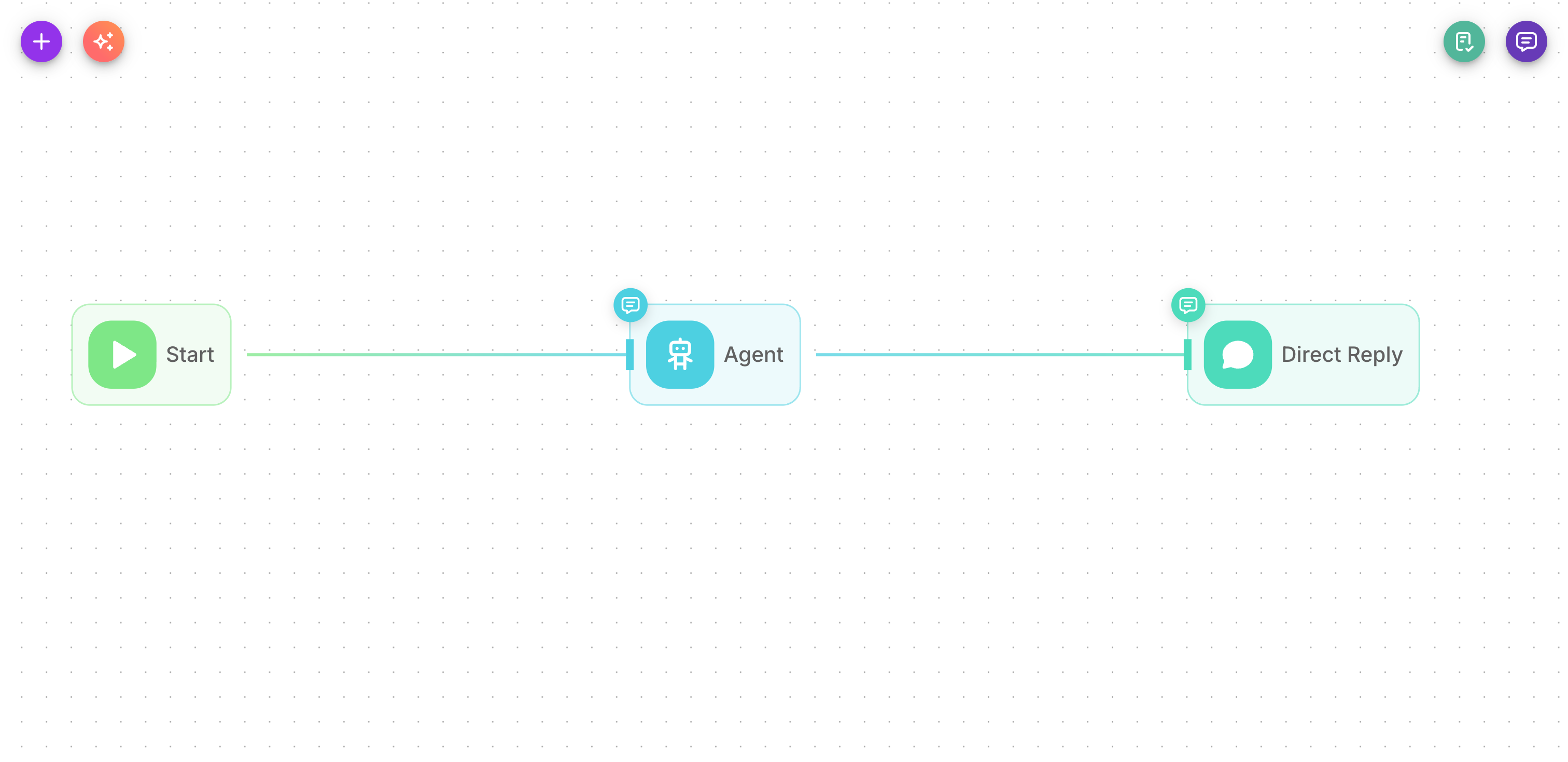
Node order
Flowera runs nodes in the order you connected them. Each node finishes its work, hands its result to the next node along the line, and so on. A node only runs after the node before it has completed — so a later node can safely use an earlier node's output.
This is why the variable palette only offers you outputs from nodes that run before the one you're editing: those are the only results that exist yet at that point in the turn. See Variables.
Branching
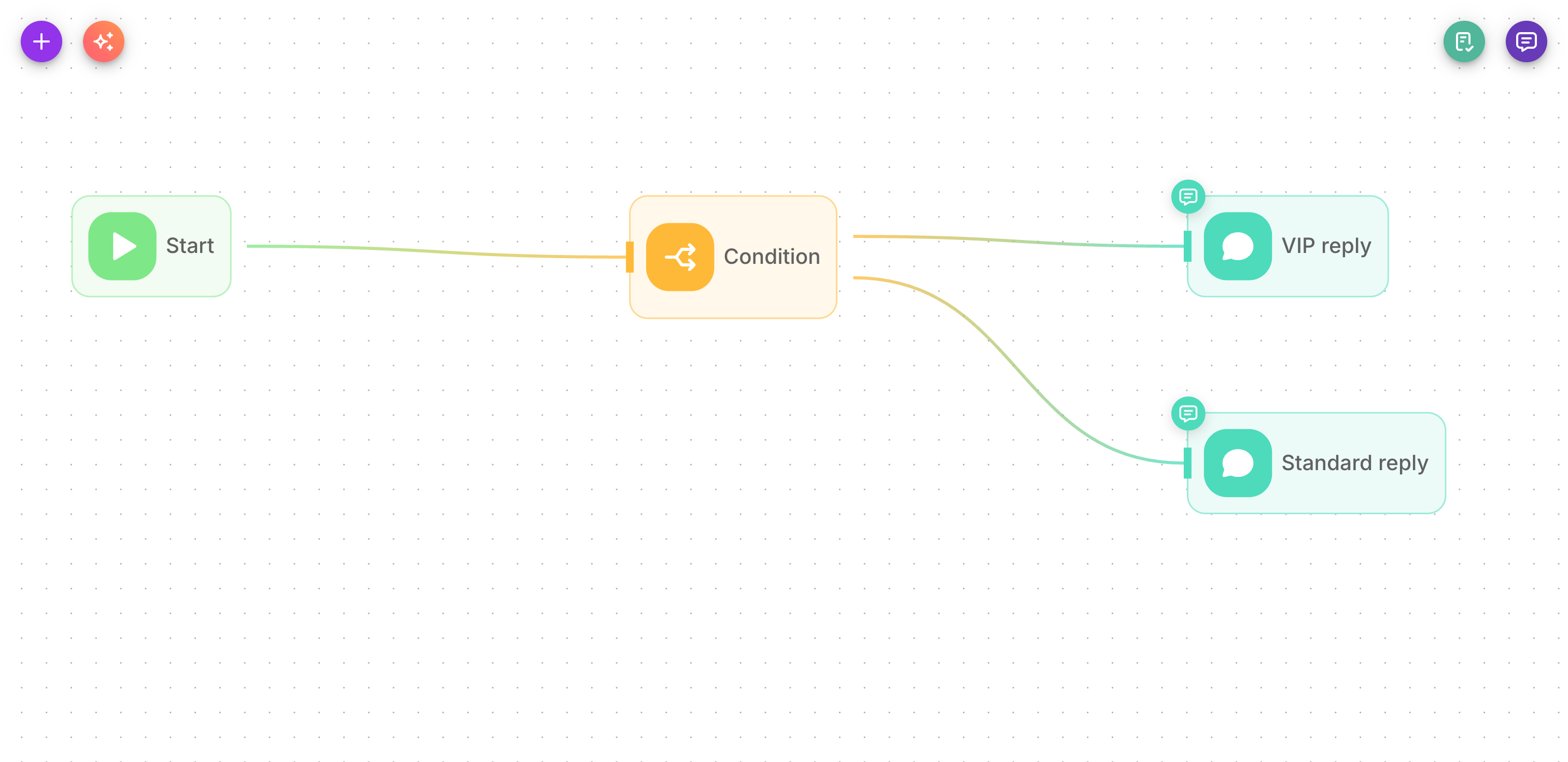
Most nodes have a single output and pass the turn straight along. But four nodes have multiple outputs, letting a turn take different paths depending on what happened. Only the branch that matches is followed — the others are skipped for that turn.
| Node | Branches | How the branch is chosen |
|---|---|---|
| Condition | One branch per rule + a trailing Else | Checks your rules top to bottom and takes the first that matches (equals, contains, etc.); Else if none do |
| Condition Agent | One branch per scenario you define | An AI model reads the message and picks the matching scenario |
| Human Input | Proceed / Reject | Whether a person approved or rejected |
| Filter | True / False (fixed) | Whether the message passes the filter condition |
A Condition Agent produces exactly one branch per scenario you write — there is no built-in catch-all. If a message doesn't match any scenario, that turn is silently dropped. Always add an explicit "Other" or "default" scenario to catch everything else.
State flowing through the run
As a turn runs, nodes can read and write flow state — a set of named values (like name or orderId) that travel through the whole flow. One node can save a value; a later node can read it back with {{$flow.state.<key>}}.
If Persist Variables is on (the default), that state also survives between turns for the same conversation — so a value saved this turn is still there next turn. See Flow state and Memory for the full story.
Other information travels with the turn too:
- The user's message —
{{$question}} - Conversation history —
{{$chat_history}}(when memory is enabled) - Uploaded files —
{{$uploads}}(only the files sent this turn; see Uploads and assets) - Webhook payload —
{{$webhook.<name>.<field>}}for channel and custom-webhook triggers
Show Output in Chat
Producing a result and saying it are two different things. Most nodes carry a Show Output in Chat switch (under Additional Parameters) that decides whether that node's result is posted to the visitor as a chat message.
The switch never affects the flow itself. A node with it off still runs, still produces its output, and later nodes can still read that output by label ({{ Agent }}, {{ Retriever }}, …) — it simply doesn't speak.
Defaults differ by node, because most nodes are working steps and only a few are meant to talk:
| Default | Nodes |
|---|---|
| On | Agent, LLM, Direct Reply, Tool, Human Input |
| Off | HTTP, Retriever, Custom Function, Condition, Condition Agent, Filter, Loop, Iteration, Execute Flow |
Start, Wait and Sticky Note have no such switch — they never post to the chat.
The duplicate-reply trap
The one that catches people out: an Agent followed by a Direct Reply.
The Agent's switch is on by default, so it posts its answer. The Direct Reply then sends the same text again — and the visitor sees the answer twice.
Decide which node speaks and silence the other:
- Direct Reply speaks — turn Show Output in Chat off on the Agent. Preferred when you want steps between thinking and replying, or a fixed wrapper around the answer.
- The Agent speaks — drop the Direct Reply node entirely. Simplest when the Agent's answer is the reply.
The same applies to an LLM node feeding a Direct Reply.
If a chat shows every bot answer twice, this is almost always why. Open Executions and check which nodes emitted a message.
Watching a run
Every turn is recorded. Open Executions to see the exact path a turn took, what each node received, and what it produced. This is the best place to debug a flow that isn't behaving as expected.