LLM Node
The LLM node makes a single call to an AI model to analyze input and produce a response. Use it when you want a focused, predictable model step — summarize a message, classify intent, rewrite text, or extract fields — without giving the model tools or letting it take multiple steps. For tool use and multi-step reasoning, use the Agent node instead.
Adding it to a flow
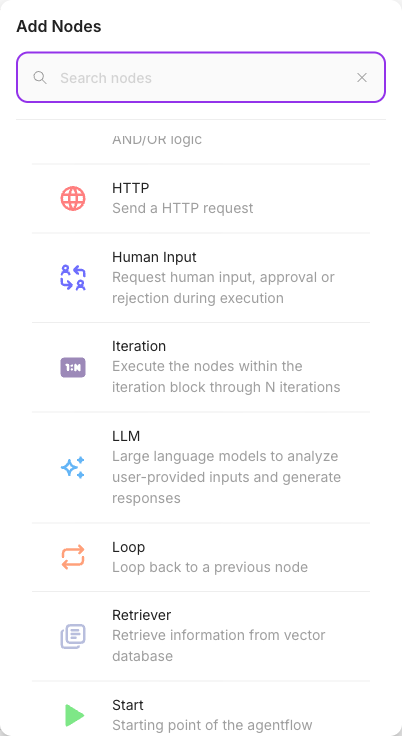
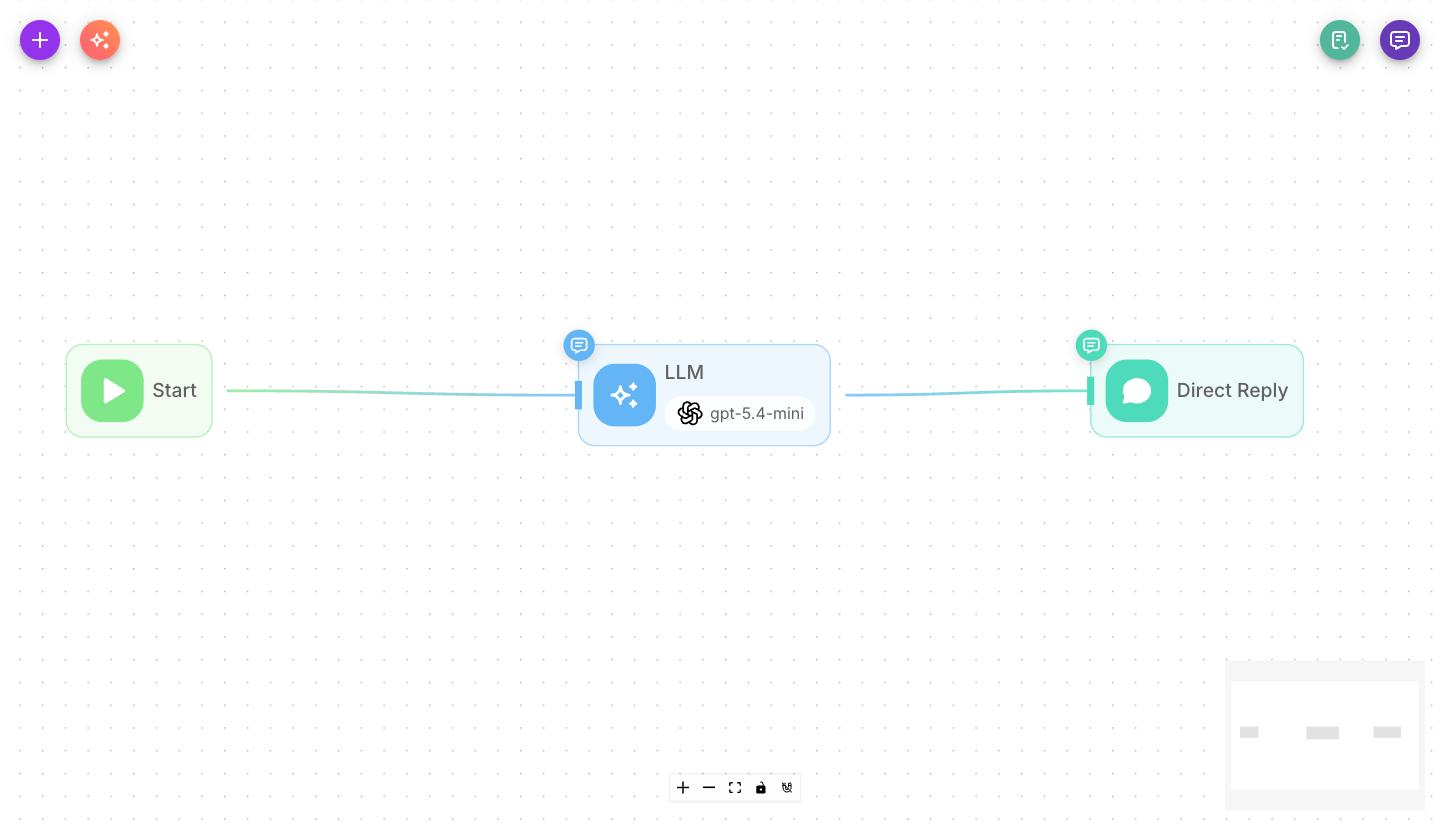
Drag an LLM node onto the canvas and connect the previous node to it. Choose a model, then write the messages that make up the prompt.
Inputs
| Parameter | Description | Required |
|---|---|---|
| Model | The AI model used for this call. Pick a provider and model, attaching a credential if required. | Yes |
| Messages | The prompt, as a sequence of messages with roles: System, Assistant, Developer, or User. This is where you write instructions and reference variables. | No |
| Enable Memory | Include the conversation history in the call so the model has context. On by default. | No |
| Memory Type | How history is kept: All Messages, Window Size, Conversation Summary, or Conversation Summary Buffer. | No |
| Window Size | Number of recent messages kept when Memory Type is Window Size. Default 20. | No |
| Max Token Limit | Token threshold that triggers summarization when Memory Type is Conversation Summary Buffer. Default 2000. | No |
| Input Message | An extra user message appended to the end of the conversation before the model responds. | No |
| Return Response As | Whether the reply is recorded as a User Message or an Assistant Message. Default: Assistant Message. | No |
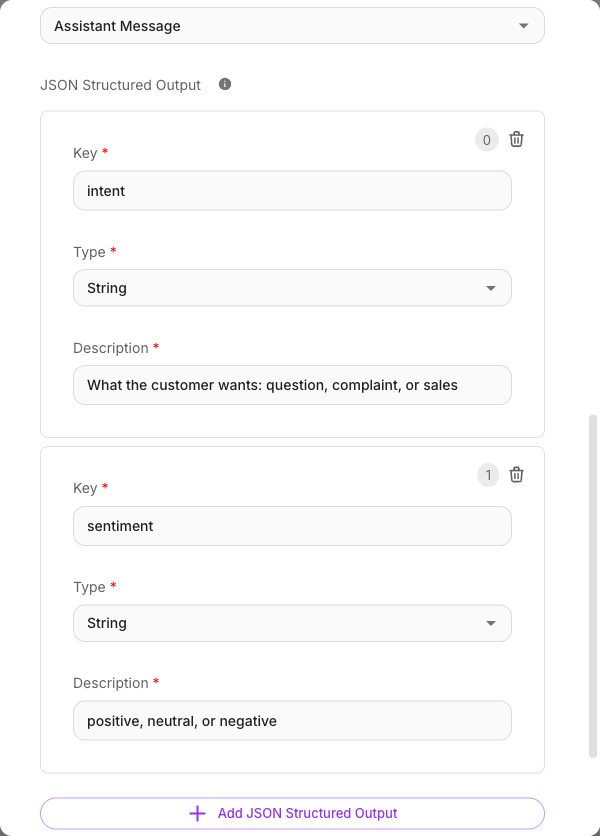
| JSON Structured Output | Define a schema so the model returns clean, structured JSON (keys, types, descriptions) instead of free text. | No |
| Flow Variables | State keys this node updates as it runs (shown in the full settings). | No |
| Show Output in Chat | Whether this node's output appears in the chat history. On by default — turn it off if a Direct Reply node sends the same text, or the visitor gets it twice. | No |
Outputs
The LLM node has a single output. Its response flows to the next connected node and is available downstream. If you defined a JSON Structured Output schema, the individual fields can be referenced by later nodes.
The message sequence
The Messages field is the prompt, built from ordered messages:
- System — sets the model's role, tone, and rules ("You are a concise assistant that replies in one sentence.").
- User — the content to act on, often a variable like
{{$question}}. - Assistant / Developer — optional messages for few-shot examples or extra guidance.
Inside any message you can insert variables with {{ }} — for example {{$question}} for the incoming message or {{$flow.state.name}} for a captured value. See Variables.
Structured output
Turn on JSON Structured Output when you need the model to return data your flow can act on — not a paragraph of prose. You define each field with a Key, a Type (String, String Array, Number, Boolean, Enum, or JSON Array), and a Description that tells the model what to put there.
For example, a schema with intent (Enum: sales, support, other) and summary (String) makes the model return exactly those two fields. Later nodes can then branch or act on them.
For the full walkthrough — including how to reference the returned fields and a common pitfall — see Structured output.
Example
Classify an incoming message before routing it:
- Model: a fast, low-cost chat model
- Messages → System: "Classify the user's message. Respond only with the structured fields."
- Messages → User:
{{$question}} - JSON Structured Output:
intent(Enum:sales, support, other) andurgent(Boolean)
A Condition node after this can then route on the intent value.
Tips
- Keep the System message short and specific — it has the biggest effect on the output.
- If the model's reply should go straight to the customer, place the LLM as the last node in that path.
- Use structured output whenever a later node needs to read a value, not just display text.
- Prefer the LLM node over the Agent node when you don't need tools — it is simpler and more predictable.
Related
- Agent node — for tool use and multi-step reasoning
- Structured output
- Models
- Variables
- Condition node