Loop
The Loop node sends the flow back to an earlier node so a section of your flow can run again. Use it to retry a step, keep a conversation going until a condition is met, or repeat part of a flow a set number of times.
Adding it to a flow
Add Loop from the palette and connect it after the last node in the section you want to repeat. On the node, pick the earlier node you want to jump back to. When the flow reaches the Loop node, it returns to that target and continues from there.
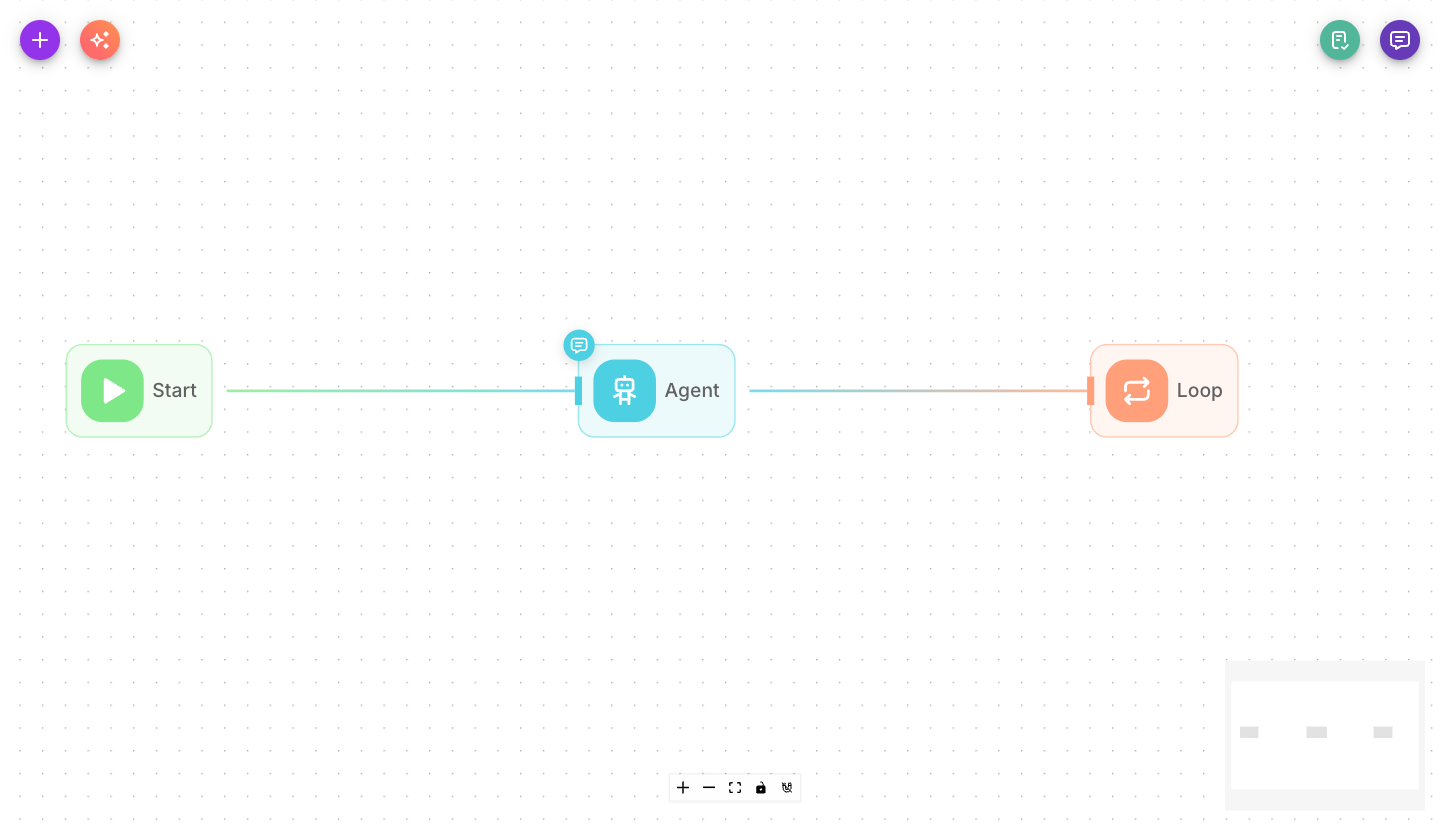
Inputs
| Parameter | Description | Required |
|---|---|---|
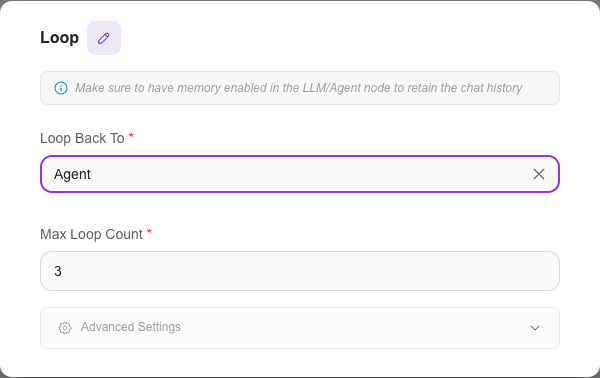
| Loop Back To | The earlier node the flow should jump back to. Pick it from the list of previous nodes. | Yes |
| Max Loop Count | The maximum number of times the loop may run before the flow moves on. Prevents endless loops. | No (defaults to 5) |
| Show Output in Chat | When on, the node's output appears in the chat transcript. When off, it stays hidden but is still available to connected nodes. | No (defaults to off) |
Outputs
The Loop node does not have a normal forward output — instead of continuing to a next node, it hands control back to the node you chose in Loop Back To. The flow keeps looping until Max Loop Count is reached, then continues past the loop.
Example
Keep asking a question until the answer is valid:
- An Agent asks the customer for a valid order number.
- A Condition node checks whether the answer looks like an order number.
- If not, a Loop node jumps back to the Agent to ask again — up to Max Loop Count times.
Tips
Turn on memory in your LLM or Agent node so it remembers the earlier turns of the conversation while the loop runs.
Always set a sensible Max Loop Count. It's your safety net against a flow that would otherwise loop forever.
The Loop node reliably jumps to the right node no matter how your flow was built — it works whether the flow was created on the canvas or set up programmatically, so the target is always resolved correctly.