Wait
The Wait node pauses a flow for a set amount of time before continuing. Use it to space out messages, add a natural delay to a conversation, slow down repeated API calls, or set up a timed follow-up.
Adding it to a flow
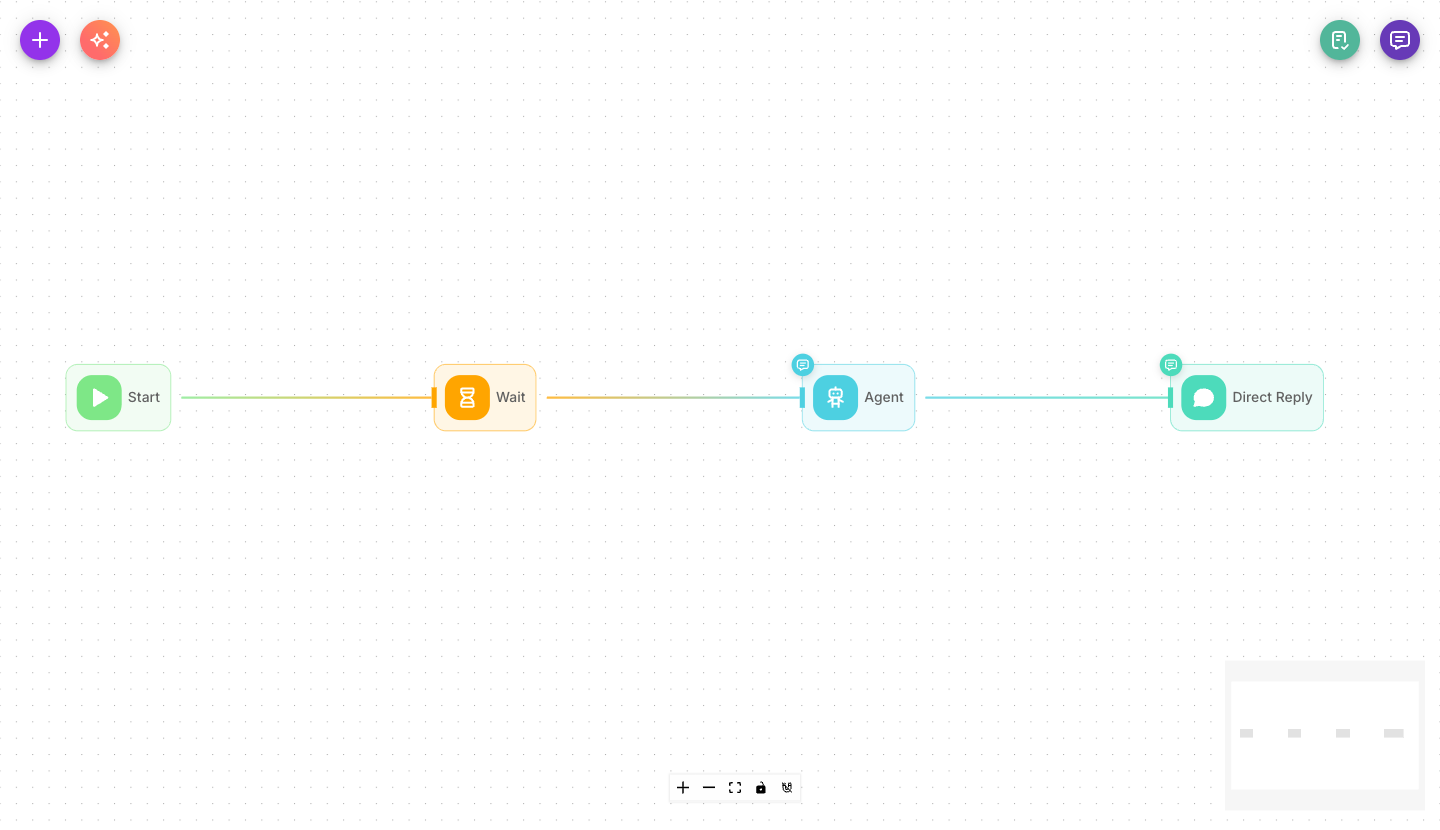
Add Wait from the palette and place it between the step that should run now and the step that should run later. Set how long to wait, and the flow continues automatically once the time is up.
Inputs
| Parameter | Description | Required |
|---|---|---|
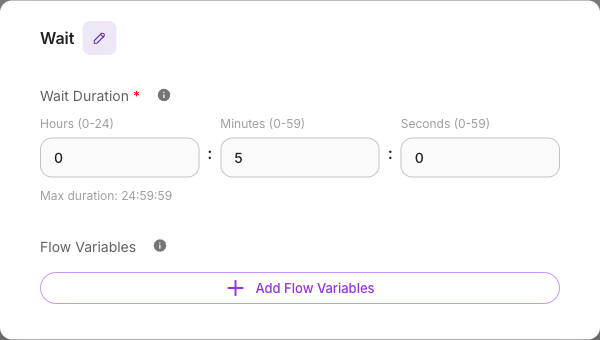
| Wait Duration | How long to pause, in HH:MM:SS format (for example 02:00:00 for two hours). Maximum is 24:59:59. | Yes |
| Flow Variables | Optionally update flow state keys after the wait finishes. Turn on Block Empty Updates to avoid overwriting values with empty results. | No |
Outputs
Wait has a single output. When the pause finishes, the flow resumes from the node connected after it. Any flow-state updates you set are applied at that point, once the wait is over.
Your wallet is checked again when the pause finishes. If the balance is zero or below at that moment,
the flow doesn't resume: the execution stops with an error, and nothing after the Wait runs. On the
Executions page, the Wait node shows the insufficient-balance message as the reason. A Wait node
costs a flat $0.001; the wait duration itself is free — see
Execution time pricing.
Example
A two-hour follow-up after a first message:
- A Direct Reply sends the initial message.
- Wait pauses for
02:00:00. - A second Direct Reply sends the follow-up.
For a full walkthrough, see the Delayed follow-up tutorial.
Tips
The Wait node is safe for long delays. The pause is remembered even across a server restart, so a scheduled follow-up still fires at the right time.
For delays that carry across turns of a conversation, keep flow state persisted so the values you rely on are still there when the wait ends. See Flow state and Memory.
The maximum single wait is 24:59:59. For longer gaps, chain multiple Wait nodes or use a
Scheduled Run.