Custom Function Node
The Custom Function node runs your own JavaScript inside the flow. Use it for logic that the other nodes don't cover — reshaping data, doing a calculation, formatting text, or calling a service in a custom way. The function receives the inputs you pass it and must return a value the rest of the flow can use.
Adding it to a flow
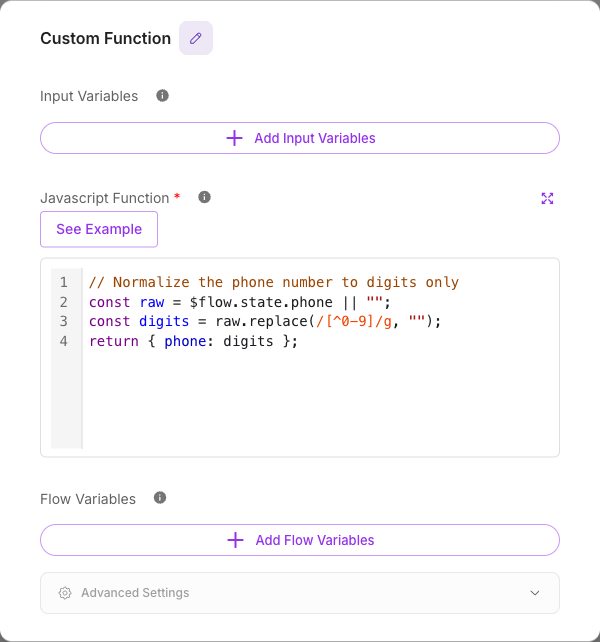
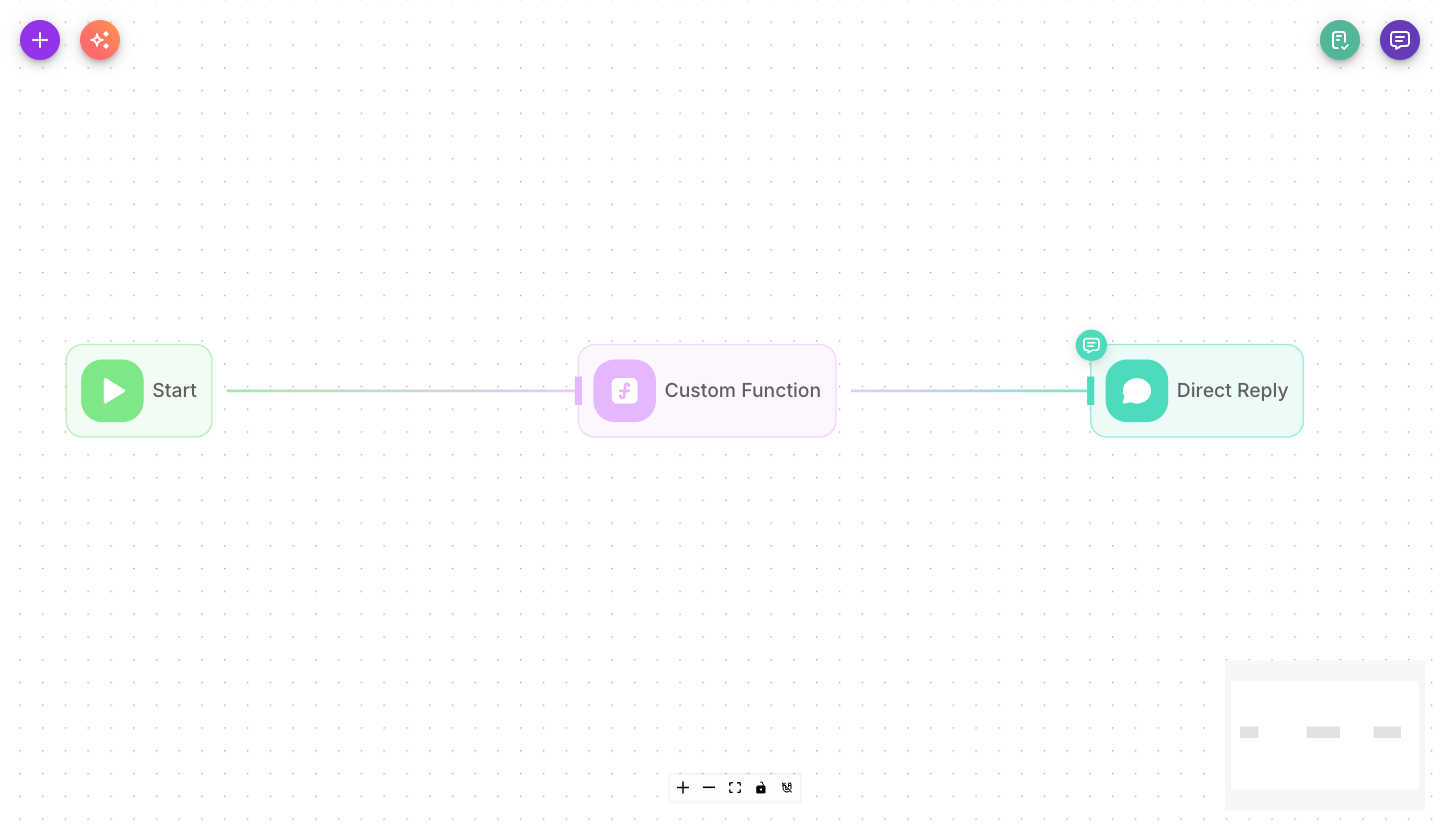
Drag a Custom Function node onto the canvas and connect the previous node to it. Define any input variables, then write the JavaScript body.
Inputs
| Parameter | Description | Required |
|---|---|---|
| Input Variables | Named values passed into your function. Each has a variable name and a value (which can be a flow variable). Inside the code you read them with the $ prefix — e.g. $foo. | No |
| Javascript Function | The code to run. It can use libraries available in Flowera and must return a string (or an object that converts to a string). | Yes |
| Flow Variables | State keys this node updates after it runs, each with a value and an optional "block empty updates" guard. | No |
| Show Output in Chat | Whether this node's output appears in the chat history. Off by default. | No |
Outputs
The Custom Function node has a single output: the value your function returns. It flows to the next connected node and can be captured into a Flow Variable for later use.
Writing the function
Your code runs as the body of an async function, so you can use await. A few things are available automatically:
- Input Variables — reference each one with the
$prefix. An input namedfoois read as$foo. - Flow config —
$flow.sessionId,$flow.chatId,$flow.chatflowId,$flow.input, and$flow.state. - Custom Variables —
$vars.<name>for your workspace variables. - Libraries — libraries bundled with Flowera can be required, e.g.
const fetch = require('node-fetch').
The function must return a value (a string, or something that converts to one). If it returns nothing, the next node receives an empty result.
Limits
Each run of your function has fixed limits:
| Limit | Value | What happens when it is exceeded |
|---|---|---|
| Run time | 30 seconds (including time spent waiting for external APIs) | The run stops and the node fails with Code execution timed out after 30 seconds |
| Memory | 256 MB | The run stops and the node fails with Code execution exceeded the 256 MB memory limit |
| Parallel runs | Shared fairly between workspaces: each workspace always gets its share and can use more when the server is idle | Further runs wait for a free slot; if none frees up within 30 seconds the node fails with Code execution is busy, please try again shortly |
Your code runs separately from other flows, so a slow or stuck function only affects its own run. If you call an API that can take longer than 30 seconds, use the HTTP node instead — it waits up to 5 minutes and retries.
Examples
Format a name:
// Input Variable: rawName = {{$flow.state.name}}
return $rawName.trim().replace(/\b\w/g, c => c.toUpperCase());
Build a summary string from state:
return `Order ${$flow.state.orderId} for ${$flow.state.name} is confirmed.`;
Call an external API and return its text:
const fetch = require('node-fetch');
try {
    const res = await fetch('https://api.example.com/status');
    return await res.text();
} catch (error) {
    console.error(error);
    return '';
}
Tips
- Always return something. A function that falls off the end without a
returnhands an empty value to the next node. - Read inputs with the
$prefix ($foo), and reference flow state with$flow.state.<key>. - Use
console.log/console.errorwhile building — the output shows up in the execution trace. - For a straightforward web request, the HTTP node is simpler than writing
fetchby hand. - Keep functions short-running: a run longer than 30 seconds is stopped (see Limits).