Automations
Most flows wait for a customer. An automation doesn't — it runs a flow on a schedule, or across a whole list of people, without anyone sending a message first.
What an automation is
An automation binds three things together:
- A flow — one of your AgentFlows, which does the actual work.
- A trigger — when it fires: once at a set time, or repeatedly on a schedule.
- An execution mode — one run per fire, or one run per recipient in a list.
Everything else — retries, pausing, history, notifications — follows from those three.
Typical uses:
- A daily digest of yesterday's leads, sent to your sales channel at 9am.
- A follow-up message two days after a conversation goes quiet.
- A WhatsApp campaign to 3,000 contacts, fired once, personalised per contact.
- A nightly sync that pulls records from an API and updates your CRM.
Scheduled runs vs batch runs
The difference is what one fire produces:
| Scheduled run | Batch run | |
|---|---|---|
| One fire produces | One flow execution | One execution per row of a data source |
| Data source | None | A CSV you upload, or a live query over your leads |
| Typical use | A digest, a report, a sync | A campaign, per-customer outreach |
| Failure unit | The fire | The individual row |
A batch run is a scheduled run with a list attached. Everything on the scheduled-runs page — timing, time zones, pausing — applies to both.
Creating your first automation
From the Automations page, press New Automation and work through:
- Pick the flow it should run. Build and test the flow first — an automation is not the place to discover the flow doesn't work.
- Choose the trigger — once, at a specific time; or recurring, on a schedule.
- Set the time zone. Times are interpreted in the zone you pick, not the server's.
- Choose the mode — a standard run, or a batch with a recipient list.
- Save. It arms immediately, and you can Fire Now to test without waiting.
Fire Now is the step people skip and regret. It runs the automation exactly as the schedule would, right now, so you find out today whether the flow does what you expected.
Where automations show up
| Where | What you see |
|---|---|
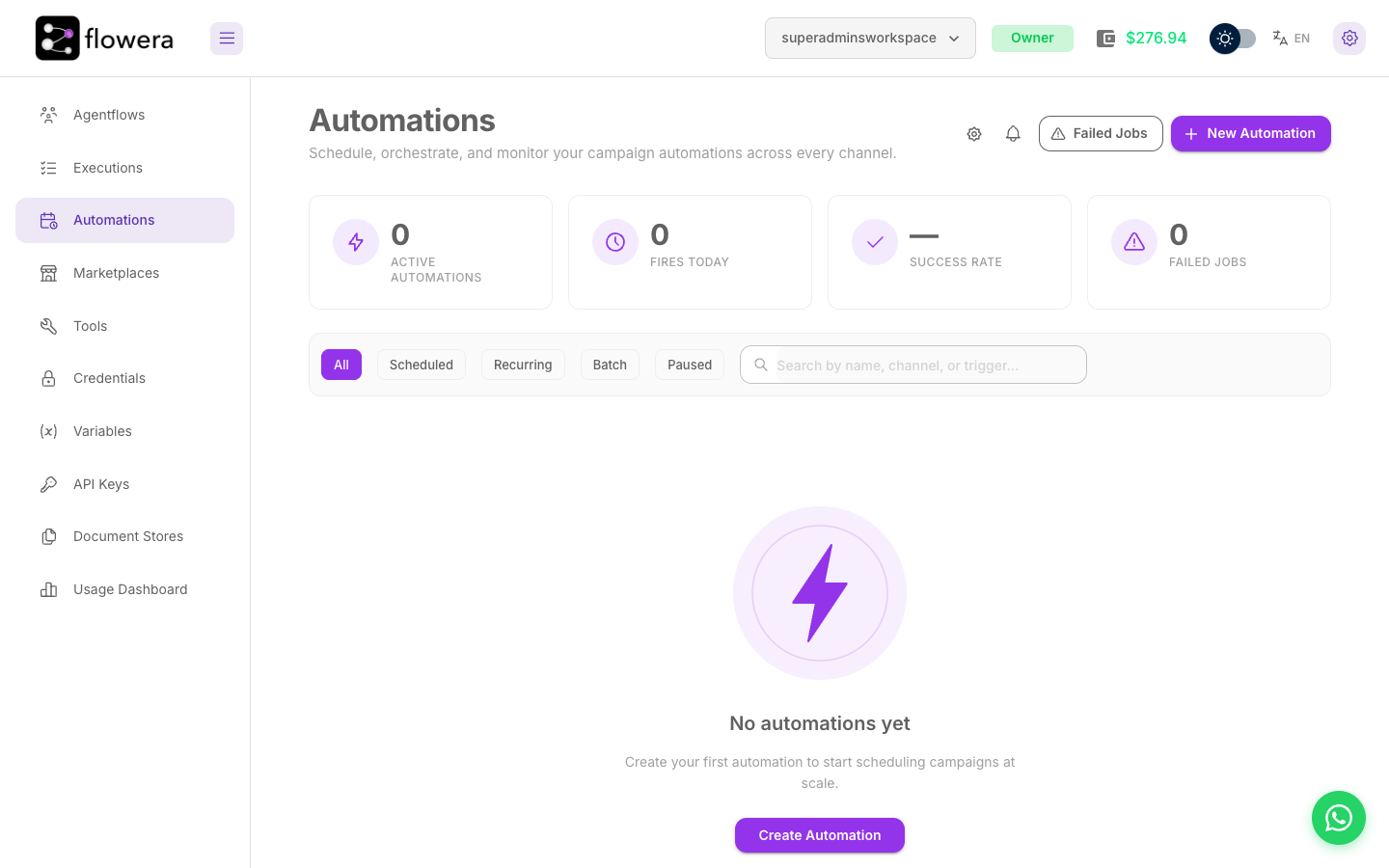
| Automations page | Every automation, its status, and how it's been performing |
| Each automation's detail | Fire history, per-row status for batches, and the retry controls |
| Executions | Each individual run, with its full node trace |
| View Messages | Messages a campaign actually sent |
An automation fire produces ordinary executions. Everything you know about debugging a flow works the same way here — the only difference is what started it.
In this section
- Scheduled runs — timing, time zones, and lifecycle
- Batch runs — data sources, canary rollout, dedup
- Monitoring — the list, the badges, and the statistics
- Failure handling — retries, auto-pause, and replay
- Settings — renaming, pausing, deleting