Monitoring Automations
An automation runs when you're not watching. That's the point — and the reason the Automations page exists.
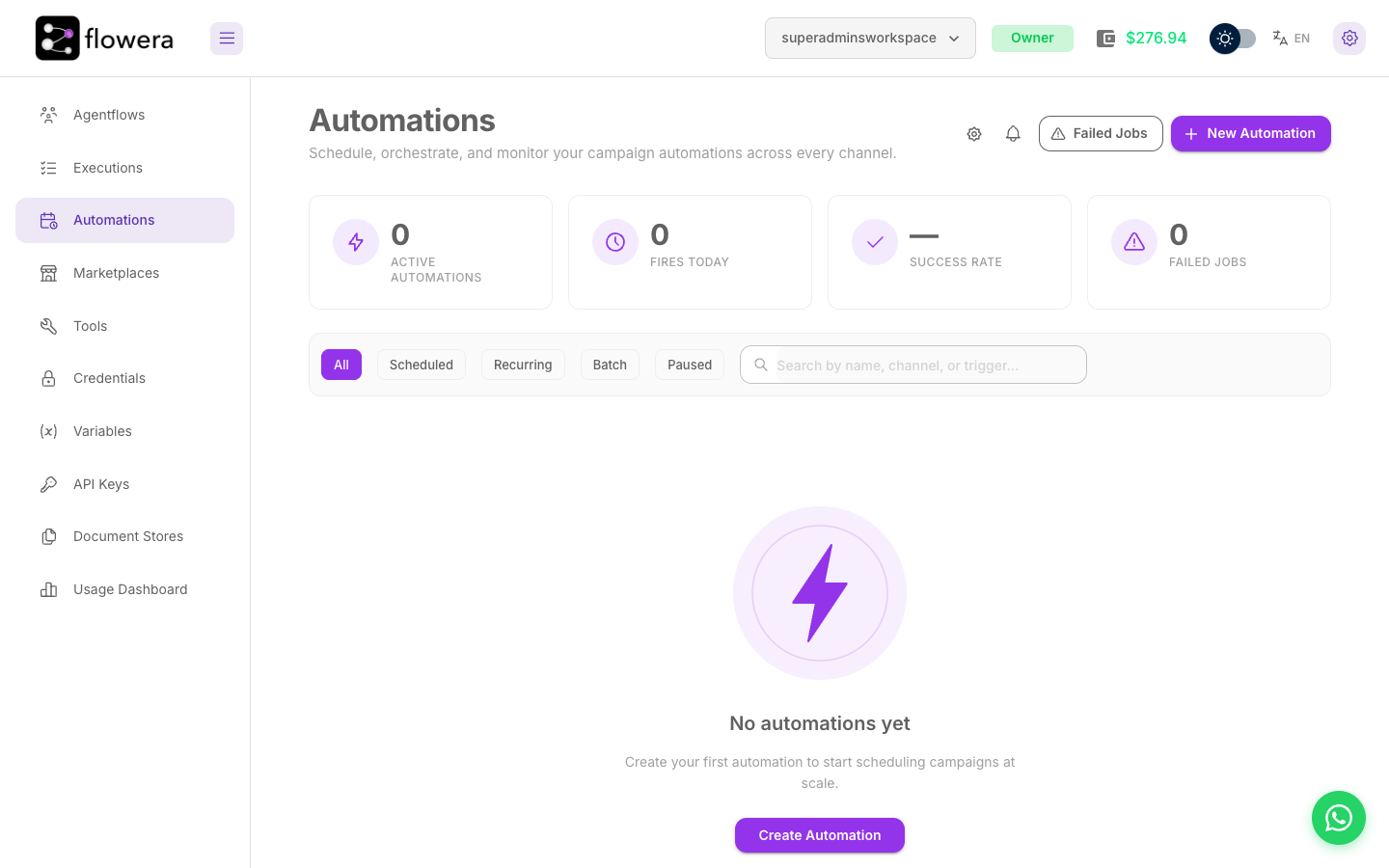
The automations list
Every automation in the workspace, with its flow, its schedule, its status, and when it last fired or fires next.
Read it top to bottom once a week. The failure modes that hurt aren't loud — an automation quietly paused by the system, a recurring job whose next fire is in the past, a campaign that's been firing to zero rows for a fortnight.
Statistics cards
Four numbers across the top:
| Card | What it counts |
|---|---|
| Active automations | How many are armed and will fire |
| Fires today | Automations that last fired today — not the number of fires |
| Success rate | The share of lifetime fires belonging to automations with no current failure streak |
| Failed jobs | Dead-letter entries from the last 7 days. Owners only — it reads 0 for everyone else |
These four are approximations rather than exact counters, and they're meant to be read as a health signal, not as a report. Fires today in particular understates a batch, where every row shares one timestamp.
Failed jobs above zero is the one to act on — but only an Owner will ever see it above zero. If you're not an Owner, use the status badges below instead.
Status badges
| Badge | Meaning | Needs attention? |
|---|---|---|
| Active | Armed and firing on schedule | No |
| Paused | Someone paused it | Only if that someone wasn't you |
| Paused by system | Flowera stopped it for safety | Yes — see Failure handling |
| Completed | A one-shot that fired successfully | No |
| Cancelled | Stopped permanently | No |
Paused by system is the badge worth looking for. Flowera pauses an automation that keeps failing, or whose batch canary went badly, rather than letting it burn credits every tick. It stays paused until you resolve the cause and resume it — it will not recover on its own.
Watch Paused too. It usually means a person paused it, but an automation stopped by an empty wallet lands here as well — and that one does resume by itself once the wallet is funded.
Filtering the list
Tabs across the list narrow it by kind and state: All, Scheduled, Recurring, Batch, Paused.
Paused is the useful one. Automations get paused during a change and then forgotten, and that tab is where they sit.
Fire history
Open an automation to see every fire: when it was scheduled, when it actually ran, and how it ended.
Two things to look for:
- A gap in the sequence. A missing fire usually means the system was late past the automation's catch-up window and skipped a stale fire rather than running it hours behind.
- Scheduled versus actual time. A consistent lag is worth investigating; a few seconds is normal.
For a batch, the fire opens further into per-row outcomes — which recipients succeeded, which failed, and which were skipped.
Following a fire into the flow
A fire produces ordinary executions. When a fire "worked" but the outcome was wrong, the execution trace is where you find out why — same node tree, same inputs and outputs as any other run.
Related
- Failure handling — what to do about the failures you find here
- Executions — the trace behind a fire
- Usage Dashboard — what the automations cost