Sticky Note
A Sticky Note is a comment you place on the canvas to explain your flow. It doesn't run or affect how the flow behaves — it's purely there to help you and your teammates understand what's going on. Use it to label sections, jot reminders, or document tricky parts of a flow.
Adding it to a flow
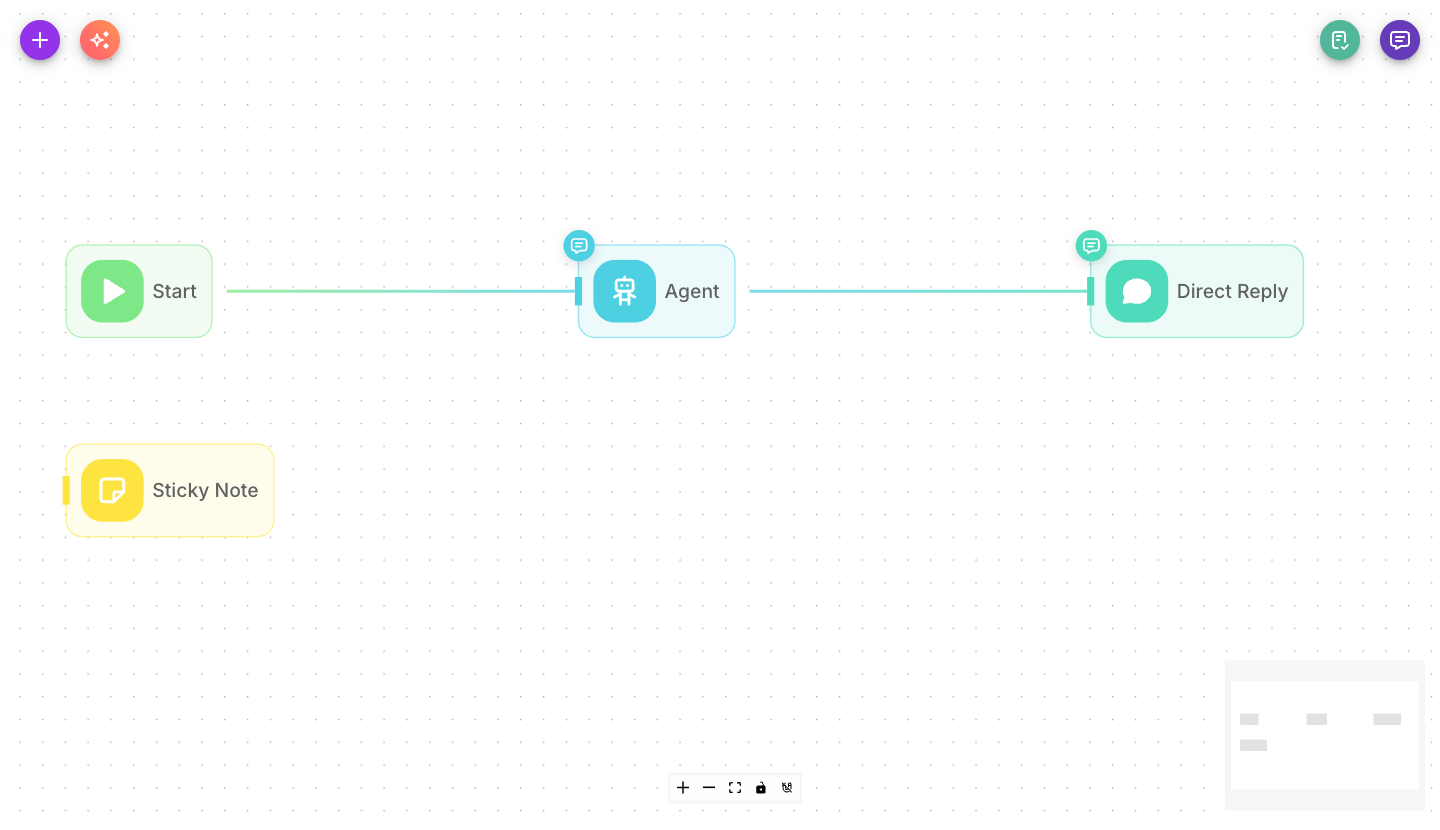
Add Sticky Note from the palette and drop it anywhere on the canvas. Type your text, resize it, and move it near the nodes it describes. It's optional and used only for organizing your workspace.
Inputs
| Parameter | Description | Required |
|---|---|---|
| Note | The text of the note. Supports markdown for simple formatting. | No |
| Content | Rich-text content for the note, when using the full editor. | No |
| Color | The note's color, to help you group or highlight sections. | No (defaults to yellow) |
| Width / Height | The size of the note on the canvas. | No |
| Text Boxes | Optional free-form text boxes for laying out notes like slides. | No |
Outputs
None. A Sticky Note is not connected to other nodes and produces no output — it's a visual annotation only.
Tips
Use sticky notes to label the main sections of a large flow ("Lead capture", "Routing", "Follow-up") so anyone opening the canvas can find their way around quickly.
Pick different colors for different kinds of notes — for example one color for TODOs and another for explanations.