Agent Node
The Agent node is a reasoning AI that can use tools, remember the conversation, and take multiple steps to complete a task. Use it when the bot needs to decide for itself which action to take — searching a knowledge base, calling an external service, or asking a follow-up question — rather than following a fixed script.
Adding it to a flow
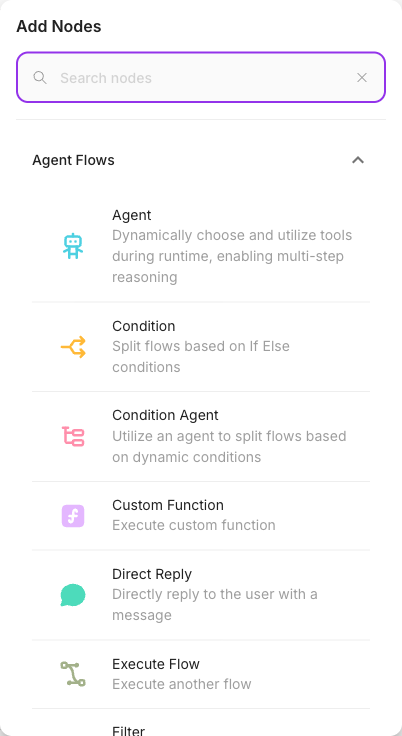
Drag an Agent node onto the canvas and connect the previous node's output to it. Then choose a model, write a system prompt, and (optionally) attach tools and memory.
Inputs
| Parameter | Description | Required |
|---|---|---|
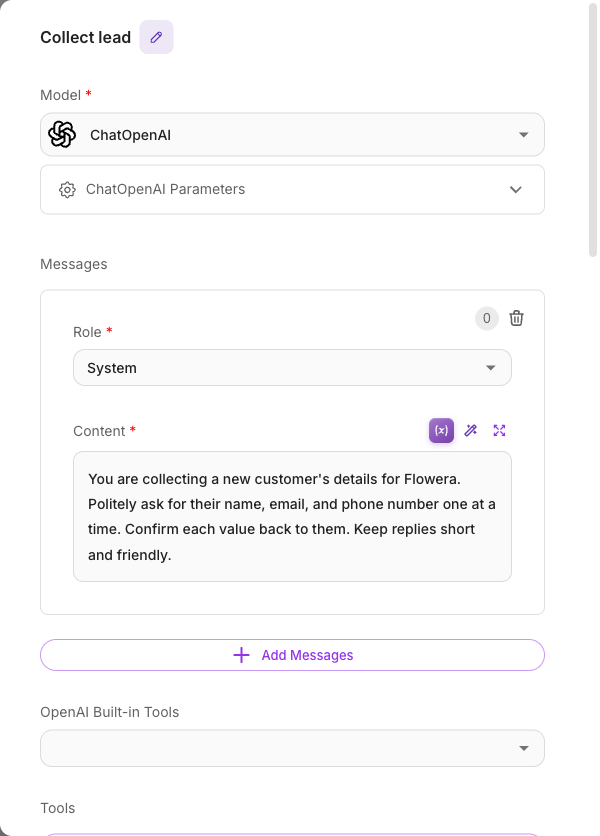
| Model | The AI model the agent uses to reason and reply. Pick a provider and model, and attach a credential if needed. | Yes |
| Messages | Preset messages (System / Assistant / Developer / User) that shape the agent's behavior — this is where you write the system prompt. | No |
| OpenAI Built-in Tools | Native OpenAI capabilities (Web Search, Code Interpreter, Image Generation). Only available when the model is an OpenAI model. | No |
| Tools | The external tools the agent may call at runtime. Each tool can optionally require human approval before it runs. | No |
| Knowledge (Document Stores) | Give the agent context from one or more upserted document stores it can search. | No |
| Knowledge (Vector Embeddings) | Give the agent context from an existing vector store plus embedding model. | No |
| Enable Memory | Turn on conversation memory so the agent remembers earlier messages. On by default. | No |
| Memory Type | How memory is kept: All Messages, Window Size (last N), Conversation Summary, or Conversation Summary Buffer. | No |
| Window Size | How many recent messages to keep when Memory Type is Window Size. Default 20. | No |
| Max Token Limit | Token threshold that triggers summarization when Memory Type is Conversation Summary Buffer. Default 2000. | No |
| Input Message | An extra user message appended to the end of the conversation before the agent replies. | No |
| Return Response As | Whether the agent's reply is recorded as a User Message or an Assistant Message. Default: Assistant Message. | No |
| Flow Variables | State keys this node updates as it runs, each with a value and an optional "block empty updates" guard. | No |
| Show Output in Chat | Whether this node's output appears in the chat history. On by default. | No |
Outputs
The Agent node has a single output. Whatever the agent produces flows to the next connected node. The reply itself, any tools it used, and any state it updated are all available downstream and in the execution trace.
Tools, memory, and model
- Model — every Agent needs a model. This is the "brain" that decides what to do. See Models for choosing a provider, attaching credentials, and picking the right model for your use case.
- Tools — attach the actions the agent is allowed to take. The agent reads each tool's description and decides when to call it. Browse everything available in the Tools catalog. You can also require human approval for a sensitive tool by turning on Require Human Input for it.
- Memory — with Enable Memory on, the agent sees the conversation so far. For long chats, choose a Memory Type that summarizes or windows older messages to control cost. See Memory.
- System prompt — use the Messages field with the role set to System to tell the agent who it is, its tone, and its rules.
Example
A support agent that can look up orders and answer product questions:
- Model: a capable chat model (e.g. an OpenAI or Gemini model)
- Messages → System: "You are a friendly support assistant for Acme Store. Always confirm the order number before looking it up."
- Tools: an HTTP Request tool that fetches order status, plus a Google Sheets tool
- Knowledge (Document Stores): the product FAQ store
- Enable Memory: on, Memory Type "All Messages"
The agent decides on its own whether a question needs the FAQ, the order lookup, or a direct answer.
Tips
- If you see a "Model is required" error, the model wasn't fully set — pick the model again so both the provider and its configuration are saved.
- Give each tool a clear purpose. The agent chooses tools from their descriptions, so vague tools get called at the wrong time.
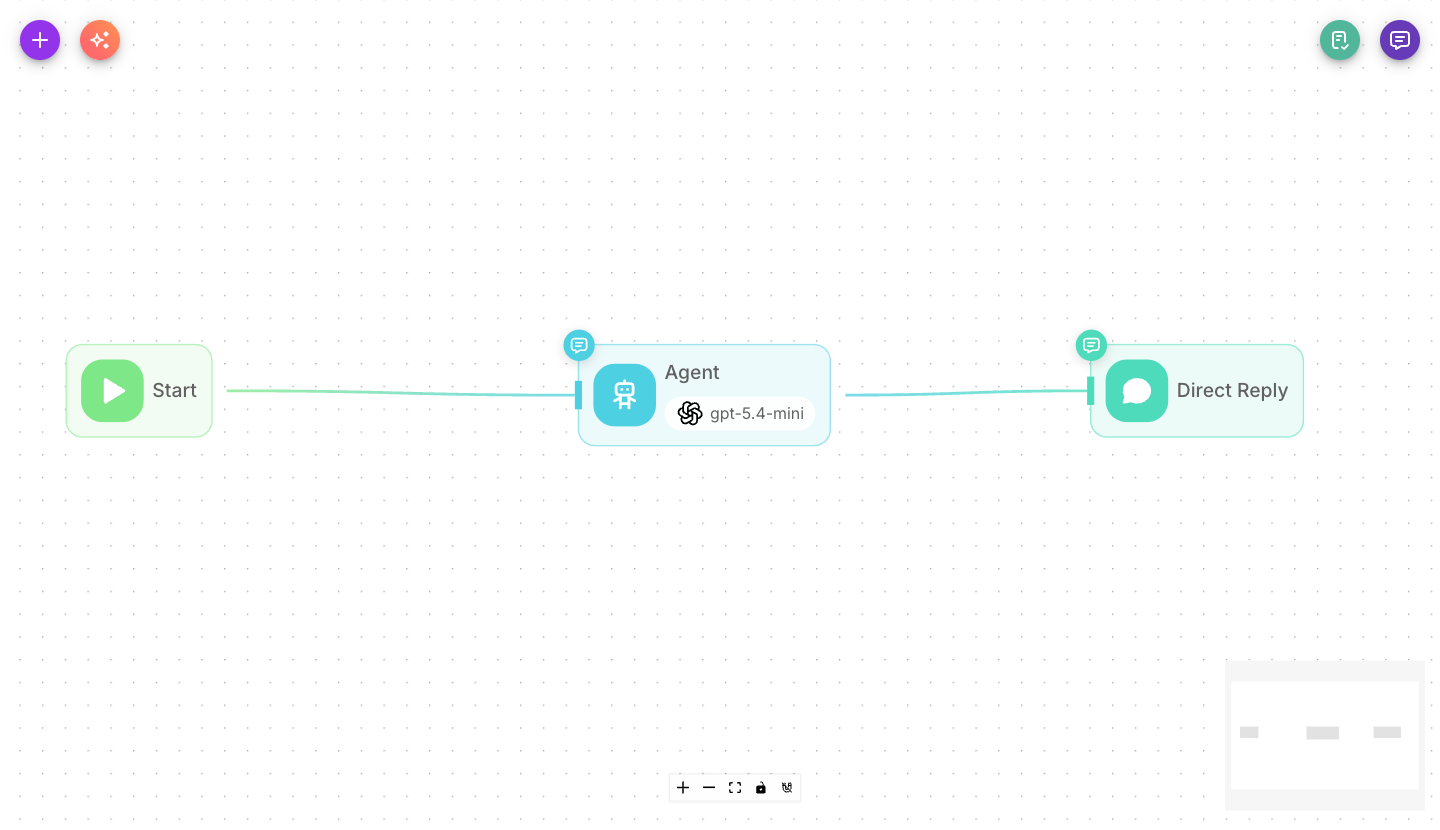
- For flows where the agent's reply should be sent straight to the customer, place the Agent as the last node in that path.
- Turn on Require Human Input for tools that spend money or send messages, so a person approves the action first.
Related
- LLM node — for a single, scripted model call without tool use
- Tool node and the Tools catalog
- Models
- Memory
- Flow state