Tools
A tool is something a flow can do rather than say — look up an order, create a CRM record, call your pricing API. Flowera ships a catalogue of built-in tools, and the Tools page is where you add your own.
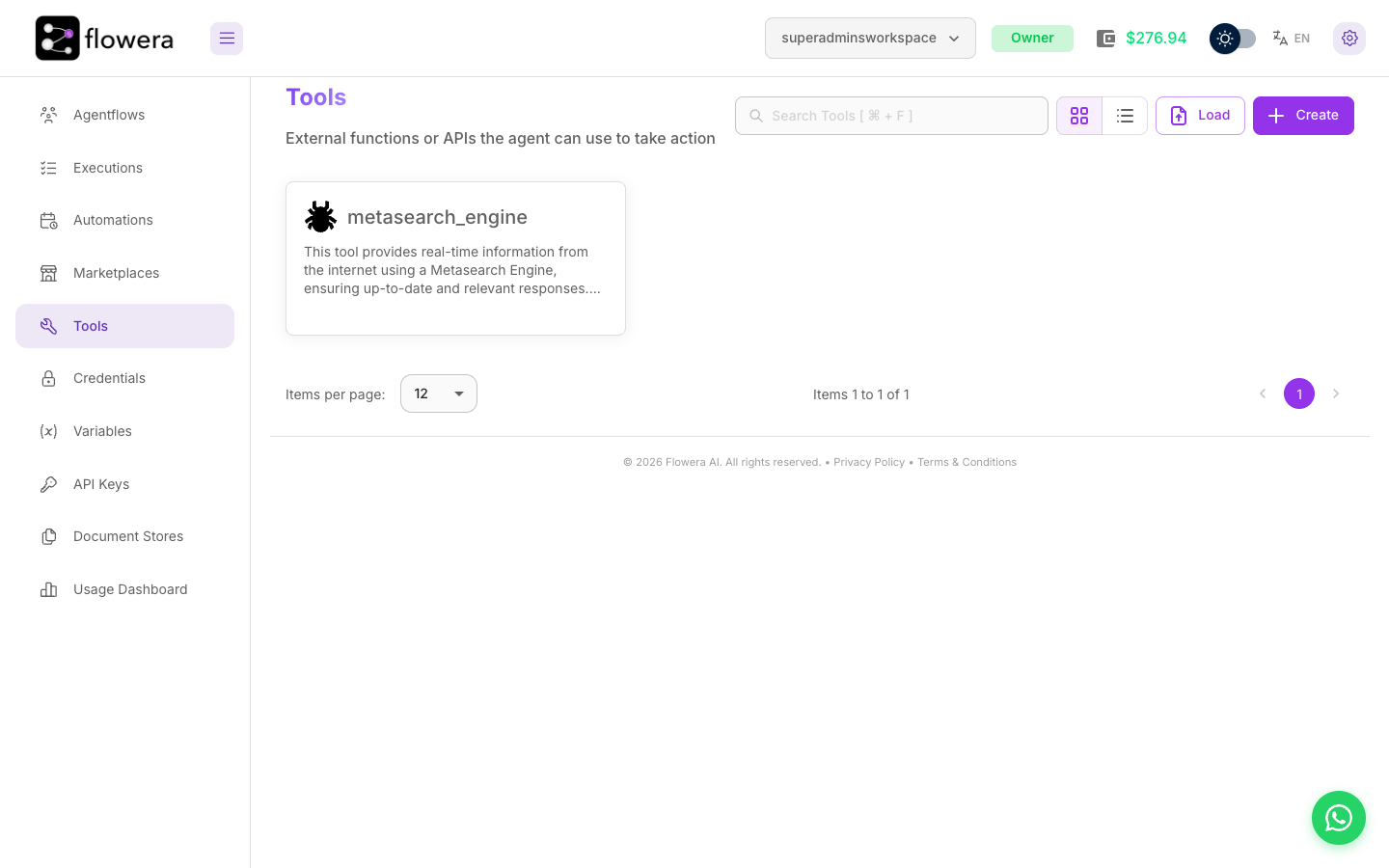
What a workspace tool is
Built-in tools (HTTP, Instagram, Zoho CRM, and the rest of the catalogue) are always available. A workspace tool is one you define once and then reuse across flows — a named function with a described input schema and a body that runs when an agent calls it.
Define one when:
- several flows need the same operation, and you'd rather fix it in one place;
- the logic is more than a single HTTP call — validation, a couple of requests, reshaping the result;
- you want an agent to be able to decide to use it, which requires a clear name and description.
Creating a custom tool
On the Tools page, press Create. A tool needs four things:
| Field | What it's for |
|---|---|
| Tool Name | The identifier the model sees. Lowercase with underscores — get_order_status, not tool2 |
| Tool description | The most important field. This is how an agent decides whether to call your tool. Say what it does and when to use it |
| Input Schema | The arguments the tool accepts, each with a property name, type, description, and required flag |
| Javascript Function | The code that runs |
Load imports a tool definition from a file, and Paste JSON fills the input schema from a JSON snippet instead of typing rows. Once a tool works, Save As Template puts it in the marketplace for reuse — see Templates.
Write the description for a reader who can't see the code. "Looks up the current status and delivery date of an order by its order number. Use when the customer asks where their order is." beats "order tool" every time — and it's the difference between an agent using your tool and ignoring it.
Defining the input schema
Each property gets a name, a type, a description, and a required flag. The description matters as much as the one on the tool itself: it's what tells the model what to put in the field.
For an order-status tool:
| Property | Type | Required | Description |
|---|---|---|---|
orderNumber | string | yes | The customer's order number, e.g. ORD-10432 |
includeHistory | boolean | no | Return the full status history instead of just the current status |
Keep the list short. Every optional argument is another chance for the model to guess wrong.
Writing the function
The function body is JavaScript. It receives the arguments the model supplied through $-prefixed
variables named after your schema properties, and whatever it returns is handed back to the agent
as the tool's result.
const res = await fetch(`https://api.acme.co/v1/orders/${$orderNumber}`, {
    headers: { Authorization: `Bearer ${$vars.acmeApiKey}` }
})

if (!res.ok) {
    return `Order ${$orderNumber} was not found.`
}

const order = await res.json()
return `Status: ${order.status}. Expected delivery: ${order.eta}.`
Two habits worth forming:
- Return prose, not raw JSON, when an agent is the consumer. The model has to read the result; a sentence is easier to reason about than a nested object.
- Handle the failure case explicitly. "Order not found" is a useful answer. An exception is not — it ends the run instead of letting the agent explain the problem.
Reference workspace variables with $vars.<name> so
keys and URLs stay out of the code.
Importing and exporting tools
Tools travel as JSON. Load on the Tools page reads a definition from a file; the account menu's Export / Import moves whole workspaces — tools included — between Flowera installations.
Use this to promote a tool from a staging workspace to production without retyping it.
Using a tool in a flow
Two ways, and the difference matters:
- Tool node — the flow calls the tool at a fixed point, with arguments you map. Deterministic: it runs every time, exactly as configured.
- Agent node — the tool is added to the agent's list and the agent decides whether and when to call it, and what arguments to pass.
Pick the Tool node when the step must always happen. Pick the Agent when it depends on what the customer said.
Related
- Tool catalogue — every built-in tool
- Custom tool node — the node reference
- Custom Function node — run code without exposing it as a tool