Prediction API
The prediction API runs a flow over HTTP. Send a message, get the flow's answer back — from a backend, a mobile app, a script, or an automation platform.
Running a flow over HTTP
POST /api/v1/prediction/<flowId>
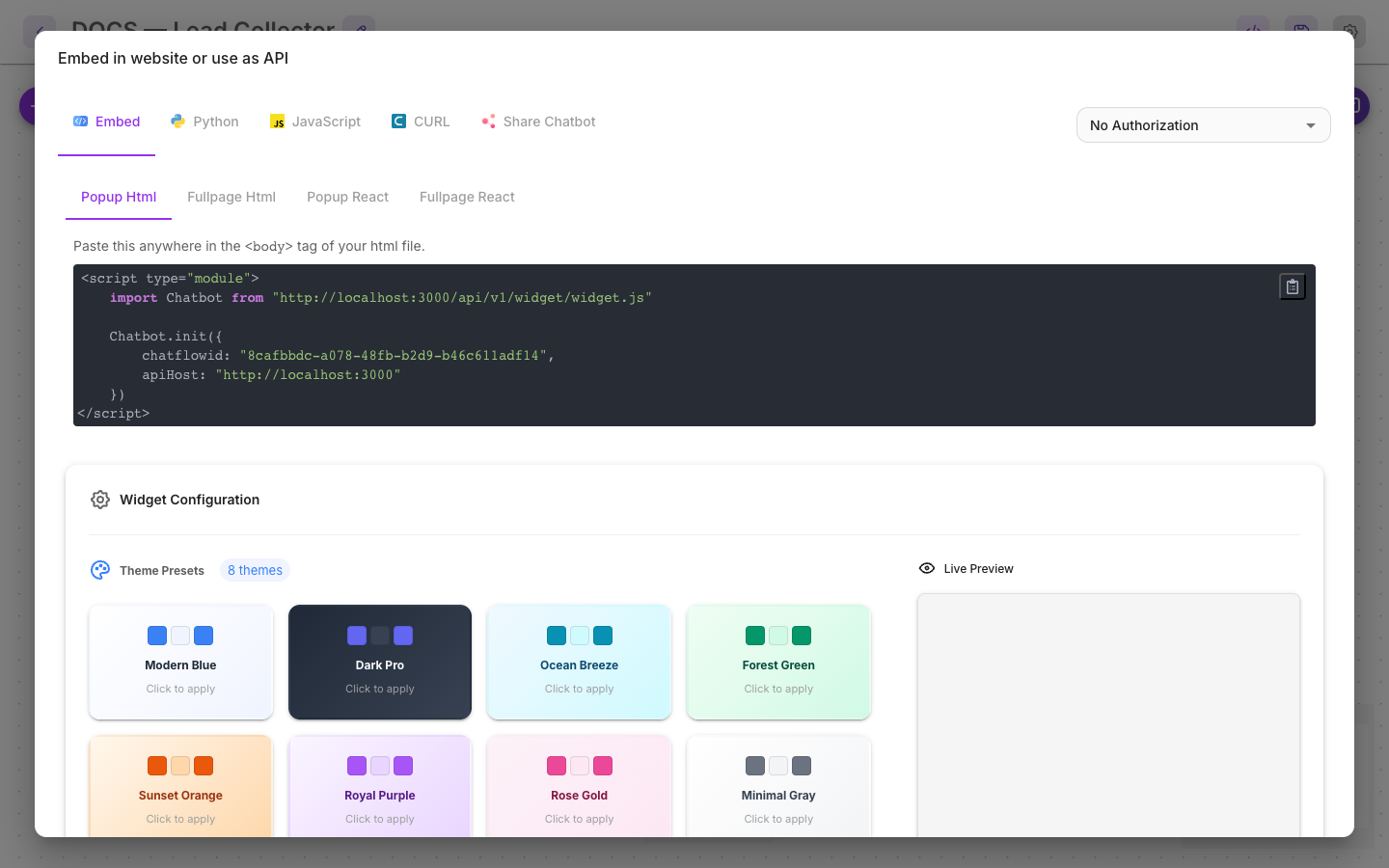
Open a flow, press API Endpoint in the canvas header, and Flowera shows the ready-made request for that flow with its ID filled in — in Python, JavaScript, and cURL.
Authentication
See API keys.
Pass the key as a bearer token:
Authorization: Bearer <your_api_key_here>
Whether a key is required depends on the flow. Each flow has a security setting: leave it open and anyone who knows the ID can call it; attach a key and only that key works.
Open endpoints exist for local development. In production, attach a key — an open prediction endpoint is an open invitation to spend your credits.
What temporarily blocks an address is calling flow IDs that don't exist — three 404s inside 15 minutes blocks it for an hour, which is there to stop ID enumeration. A wrong key returns 401 and isn't counted, so a broken integration won't lock itself out; fix the key rather than retrying it regardless.
Request body
{
  "question": "What are your opening hours?",
  "chatId": "customer-4821",
  "overrideConfig": {
    "vars": { "customerTier": "premium" }
  }
}
| Field | Required | What it does |
|---|---|---|
question | Yes | The message the flow receives |
chatId | No | The session. Reuse it to continue a conversation |
overrideConfig | No | Values injected into the run, including flow variables |
uploads | No | Files to attach — images, audio, documents |
streaming | No | true streams the answer back as Server-Sent Events. Defaults to false |
Sessions and history
chatId is what makes a conversation a conversation.
- Pass the same
chatIdacross requests and the flow keeps its memory and flow state — the customer doesn't repeat themselves. - Omit it and every request is a stranger with no history.
Use a stable identifier from your own system — a customer ID, a ticket number. Something you can look up later, because that same value is what you'll search for in View Messages and Executions.
Streaming responses
Streaming returns the answer token by token as it's generated, rather than in one block at the end. Use it wherever a person is watching — the perceived wait is dramatically shorter even though the total time is the same.
For server-to-server calls where nobody is watching, don't bother: the non-streaming response is simpler to handle.
Ask for it with "streaming": true in the request body. The flow has to support it too — one that
doesn't end in a streamable node returns ordinary JSON instead, with no error, so check the
response's content type rather than assuming the flag took effect.
Handling errors
| Status | Meaning | What to do |
|---|---|---|
401 | Bad or missing API key | Check the key and the flow's security setting |
402 | Insufficient balance | Top up — see Low balance |
403 | Blocked by Allowed Domains, or a share link that isn't public | Check the flow's Allowed Domains and its Make Public toggle |
404 | No such flow | Check the flow ID. Three of these in 15 minutes blocks your address for an hour |
429 | Rate limited | Back off. Rate limits are configurable per flow |
500 | The flow failed | Open the execution — the trace shows which node |
The 500 case is the useful one: a failure in your integration and a failure inside the flow look
identical from outside, and the execution trace is what tells them apart. Every API call produces
an execution, exactly like an interface run.
Practical notes
- Runs cost credit. A test loop is a real charge; watch the Usage Dashboard.
- Set a timeout. A flow with slow tools can take tens of seconds; a client that gives up at five will look broken when it isn't.
- Test in the canvas first. The chat panel and the API run the same flow, and it's much faster to debug there.
Related
- API keys — creating and protecting a key
- Custom webhook — the reverse direction
- Executions — debugging a failed call